
使用IntelRealsenseD435i深度相机模拟激光雷达数据
目录
- 前言
- 1.下载并编译ros自带的功能包`depthimage_to_lasersca`
- 2.新建一个launch文件
- 3.转化为激光雷达数据
- 1.启动相机节点
- 2.启动`depthimage_to_lasersca`
- 3.查看结果
- 4.添加Y上的阈值
- 1.
- 2.
- 3.
- 4.
- 5.用上面同样的方法查看结果
前言
参考链接
Ubuntu系统为18.04,并且安装了对应的ROS以及realsense-ros
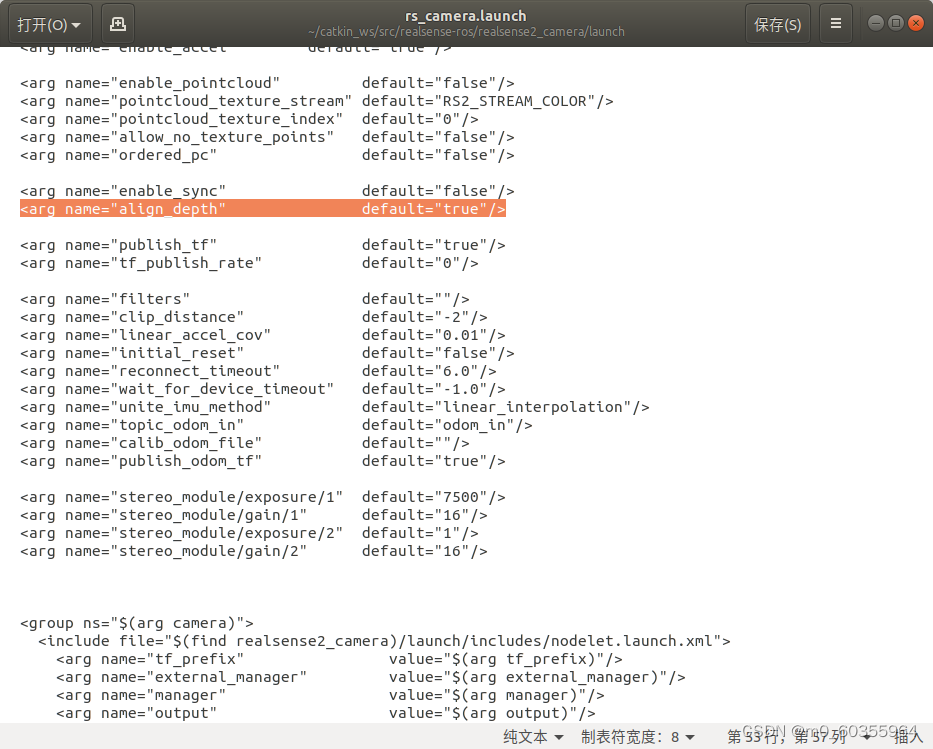
将realsense-ros/realsense2_camera/launch/rs_camera.launch中的align_depth设置为true,才会出现/camera/aligned_depth_to_color/image_raw和/camera/aligned_depth_to_color/camera_info话题
1.下载并编译ros自带的功能包depthimage_to_lasersca
https://github.com/ros-perception/depthimage_to_laserscan注意下载自己ORS版本的功能包
mkdir -p depthimage_to_laserscan_ws/src && cd depthimage_to_laserscan_ws/src
git clone https://github.com/ros-perception/depthimage_to_laserscan.git
cd ..
catkin_make
2.新建一个launch文件
在depthimage_to_laserscan_ws/src/depthimage_to_laserscan/launch/路径下新建use_my_D435i.launch
\
3.转化为激光雷达数据
1.启动相机节点
连接上相机,在安装realsense-ros的工作空间下打开终端
source devel/setup.bash
roslaunch realsense2_camera rs_camera.launch
2.启动depthimage_to_lasersca
在depthimage_to_laserscan_ws文件夹下面打开
source devel/setup.bash
roslaunch depthimage_to_laserscan  use_my_D435i.launch
3.查看结果
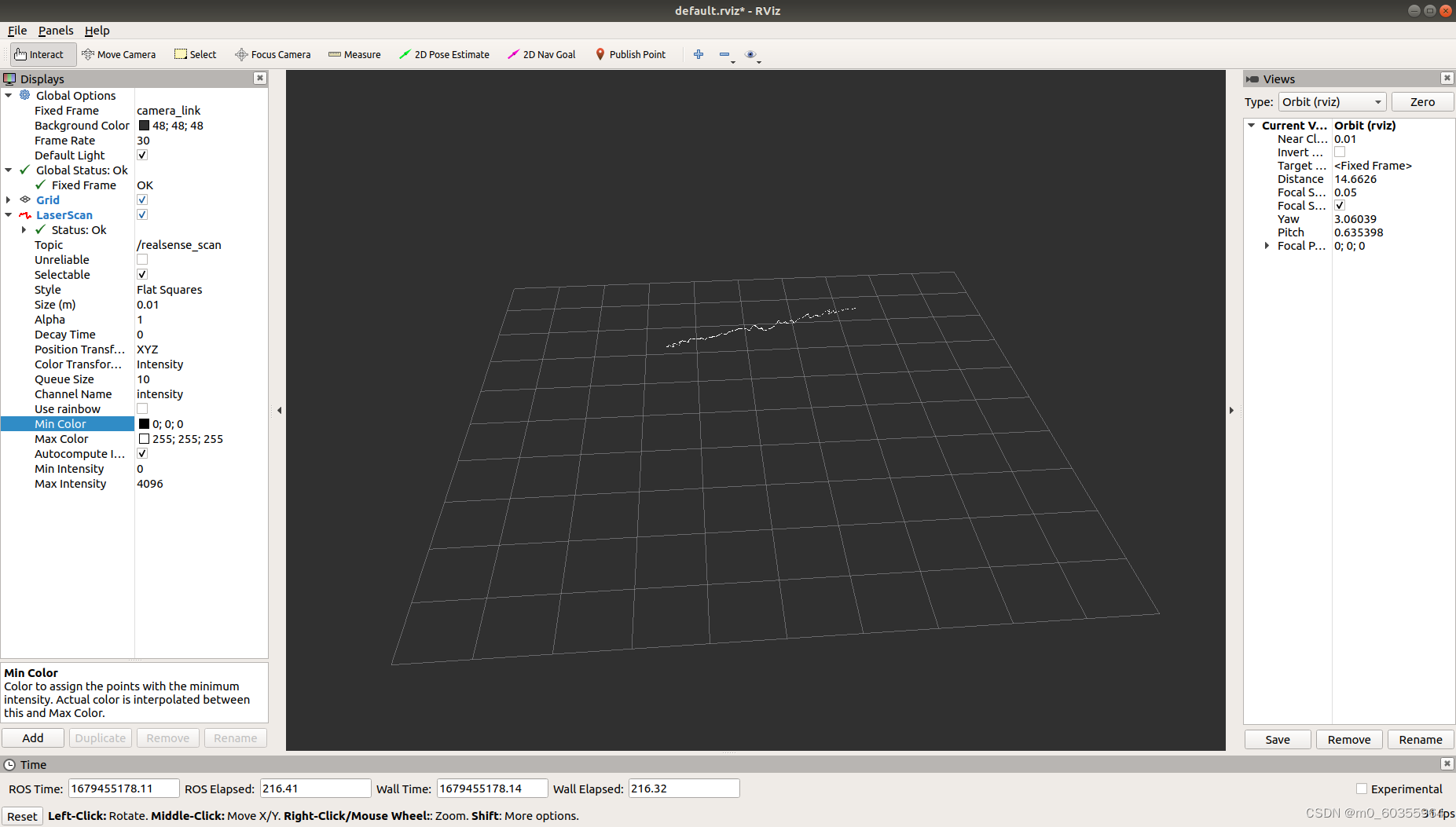
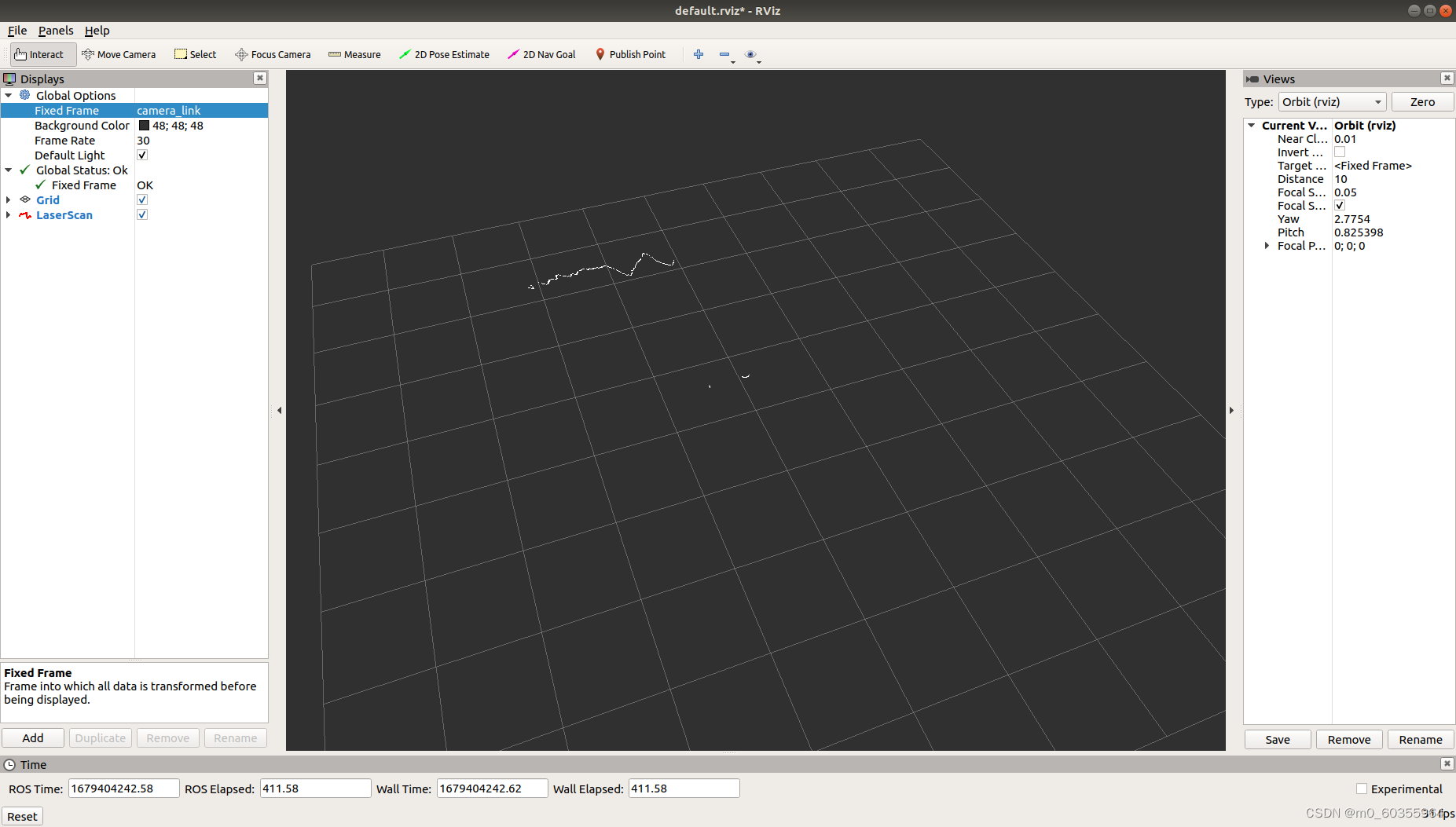
新建终端,打开rviz,Fixed Frame选择camera_link,并且添加LaserScan,图像如下
4.添加Y上的阈值
1.
在depthimage_to_laserscan/cfg/Depth.cfg中17-18行添加
gen.add("ythresh_min", double_t, 0, "Minimum y thresh (in meters).", -0.30, -1.0, 1.0)
gen.add("ythresh_max", double_t, 0, "Maximum y thresh (in meters).", 0.30, -1.0, 1.0)
2.
在depthimage_to_laserscan/src/DepthImageToLaserScanROS.cpp中的reconfigureCb()函数中添加调用(第91行)
dtl_.set_y_thresh(config.ythresh_min, config.ythresh_max);
3.
在depthimage_to_laserscan/include/depthimage_to_laserscan/DepthImageToLaserScan.h中添加成员函数和成员变量:
void set_y_thresh(const float ythresh_min, const float ythresh_max); //第116行
float ythresh_min_; //第228行
float ythresh_max_;
同时在depthimage_to_laserscan/src/DepthImageToLaserScan.cpp中169-172行添加set_y_thresh()具体实现
void DepthImageToLaserScan::set_y_thresh(const float ythresh_min, const float ythresh_max){ythresh_min_ = ythresh_min;ythresh_max_ = ythresh_max;
}
4.
在depthimage_to_laserscan/include/depthimage_to_laserscan/DepthImageToLaserScan.h中添加
const float constant_y = unit_scaling / cam_model.fy(); // line 181double y = (v - center_y) * depth * constant_y; //line 206
if(yythresh_max_)
{r = std::numeric_limits::quiet_NaN();continue;
}
在使用y阈值之前,首先要将scan_height调大,由于realsense分辨率为640*480,因此设置scan_height:320。
直接将参数添加至depthimage_to_laserscan/launch/use_my_D435i.launch文件中。
\ 5.用上面同样的方法查看结果